AI Agents for SaaS: My Setup with Claude Code and OpenClaw
Over the last month, I’ve been setting up AI systems to use within Lunch Money. It started with building reusable workflow commands (skills) in Claude Code, and eventually I set up OpenClaw on a separate machine to experiment with running multiple agents autonomously 24/7.
Here’s a snapshot of where I’m at with my AI journey, my learnings so far, and what’s next.
Note: none of this touches user data. These AI workflows are strictly marketing and content operations.
Codifying skills with Claude Code
Using Claude Code, I built a set of marketing-related skills for Lunch Money. Each one is a workflow definition: what role the AI is playing, what inputs it needs, what steps to follow, what the output should look like, and what mistakes to avoid.
I organized them by function:
- Content multiplier: repurposing blog posts into platform-specific social content
- Social content manager: building Canva assets, uploading to Google Drive, publishing via Buffer, tracking performance analytics
- Blog manager: reading and creating Google Docs, generating open graph images, publishing a draft to the CMS
Each skill loads a scoped set of reference files (brand voice guidelines, writing samples, user research data, company history) so the AI knows exactly what it needs to and nothing more.
Skills get better over time. Every time I run a workflow and correct something (“generate the OG image before publishing the draft”, “don’t reuse the blog post title as the hook”, “always upload to the shared Drive folder”), that correction gets encoded back into the skill.
Experimenting with OpenClaw
Two weeks ago, I installed OpenClaw on an old laptop.
My motivations were:
- I was intrigued by the idea of agents given autonomy in a tight, secure, and closely defined environment
- It would be helpful for my team to be able to access certain skills I have set up
- It would be nice to kick off and monitor work when I’m away from my laptop
- I wanted continuously running scheduled tasks that were easy to set up
I spawned a different agent for each role in my AI team, gave them names and personalities, and assigned specific LLMs to each depending on their assigned tasks. I talk to them all on Discord and they sometimes talk to each other.
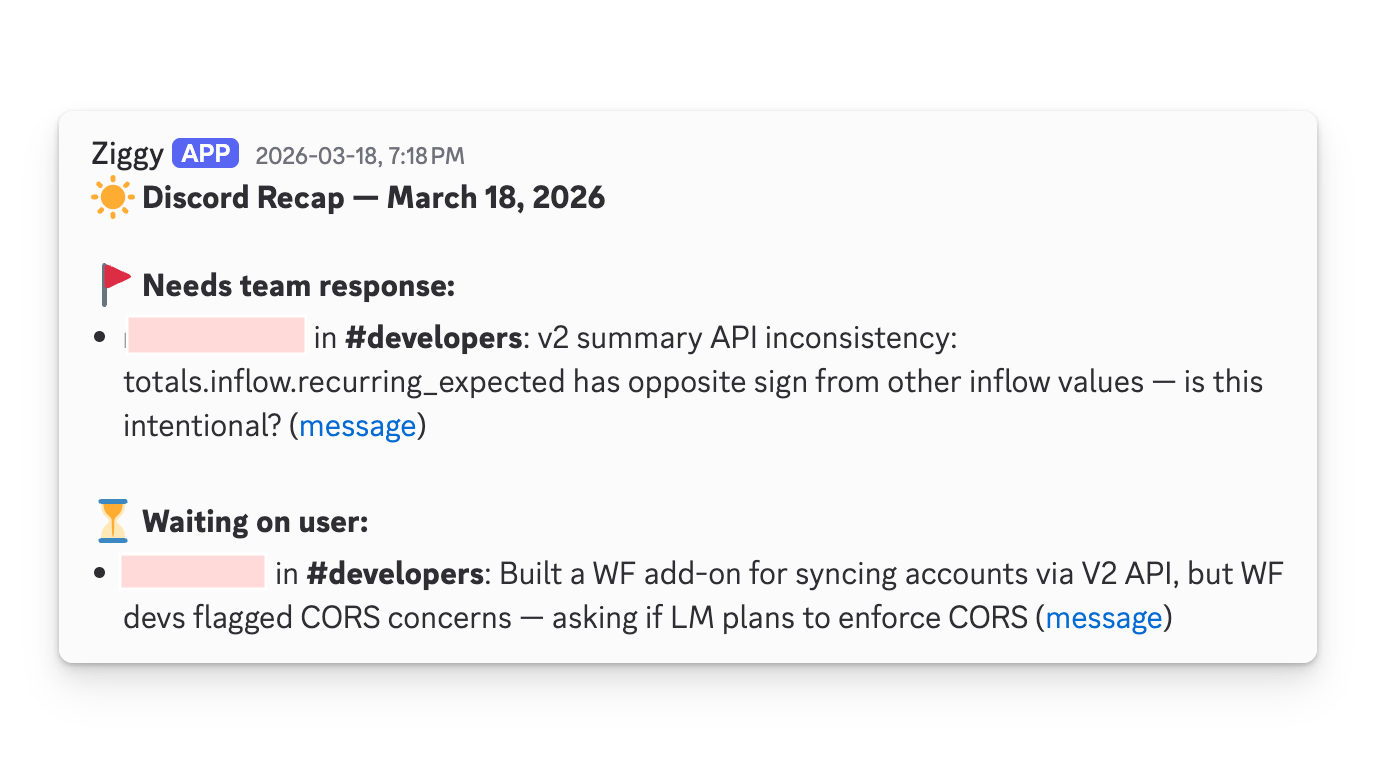
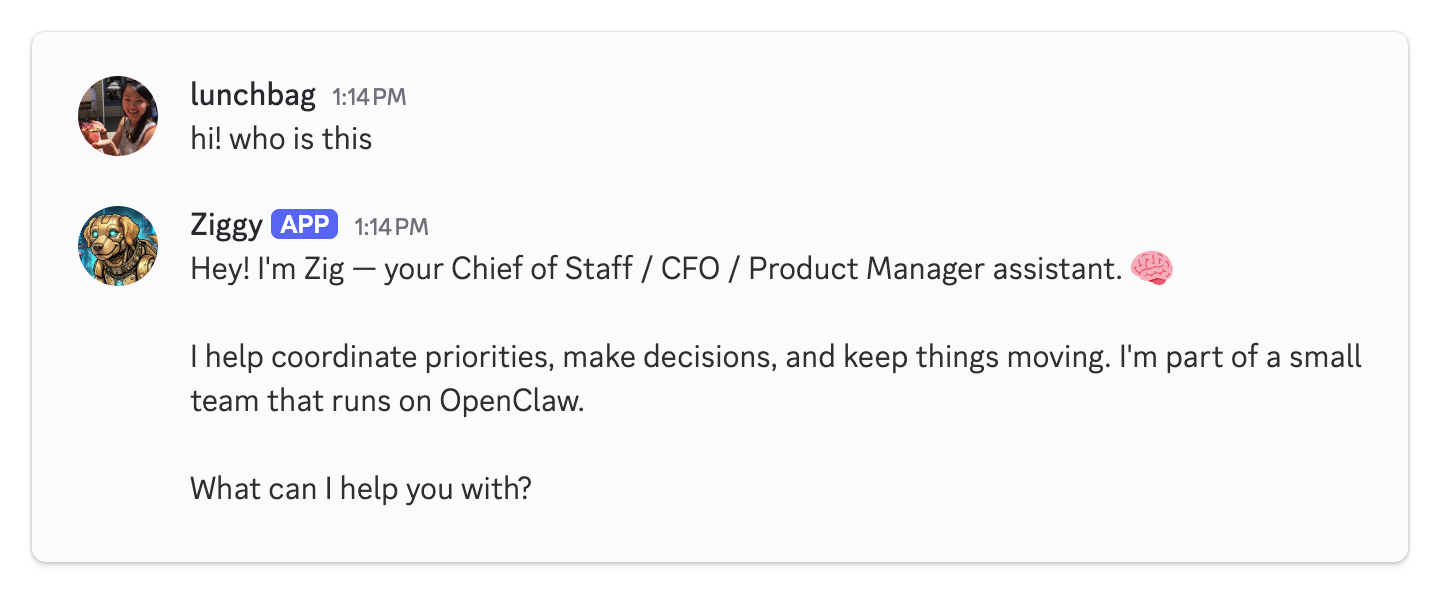 I put a lot on Ziggy's plate
Combining OpenClaw and Claude Code
Because I still wanted a local Claude Code environment and there is a lot of context overlap between Claude Code and OpenClaw, I ended up with three folders synced via Dropbox: dot-openclaw/, dot-claude/, and shared/.
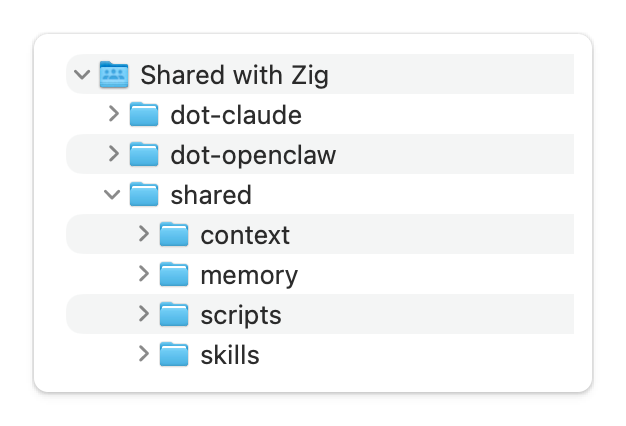 Screenshot of my folder structure within Dropbox
The first two are symlinked to the root .openclaw/ and .claude/ config folders of the respective laptop, inside which are additional symlinks to folders and files within shared/. So when I’m working locally with Claude Code and it updates context, my OpenClaw agents see the change automatically.
 Diagram showing how folders are synced and symlinked.
Some additional notes about this:
- My local Claude workspace also has access to the workspaces of my OpenClaw agents which can be helpful when handing off work.
- I almost never need to access
dot-openclaw/directly since the relevant folders are symlinked. I create all my skills and add context via Claude Code. OpenClaw is just for executing. - I named folders
dot-.../in my Dropbox because I didn’t want them to be hidden by default. - On my main machine, Claude Code only accesses
.claude/. Any changes made to shared context will get synced to Openclaw via the symlinks and Dropbox. dot-claude/anddot-openclaw/also contain their own native config files and folders (not shown in the diagram)
Learnings so far with OpenClaw
Token costs added up fast. Everyone who has been down this route knows how quickly running OpenClaw agents burns through API credits. After experimentation, I ended up with one agent bound to a subscription-based coding agent using acpx and the other two using ollama/minimax-2.7 on the cloud.
Local models were a dead end (for now). I tried running ollama/llama 3.1 locally but my M1 Pro laptop overheated and the thinking time was painfully slow. I tried a lighter model (qwen2.5)– but it was still too slow and the responses were uncomfortably robotic. I gave up on local models entirely and opted to pay $20/month for cloud-hosted Ollama.
There was always something to fix. Sub-agent cron jobs work on schedule but the agent would for some reason report back twice. You get one channel binding working and another one stops. Or you think you’ve defined a task super well and somehow the agent decides not to follow all the instructions and there ends up being inconsistencies.
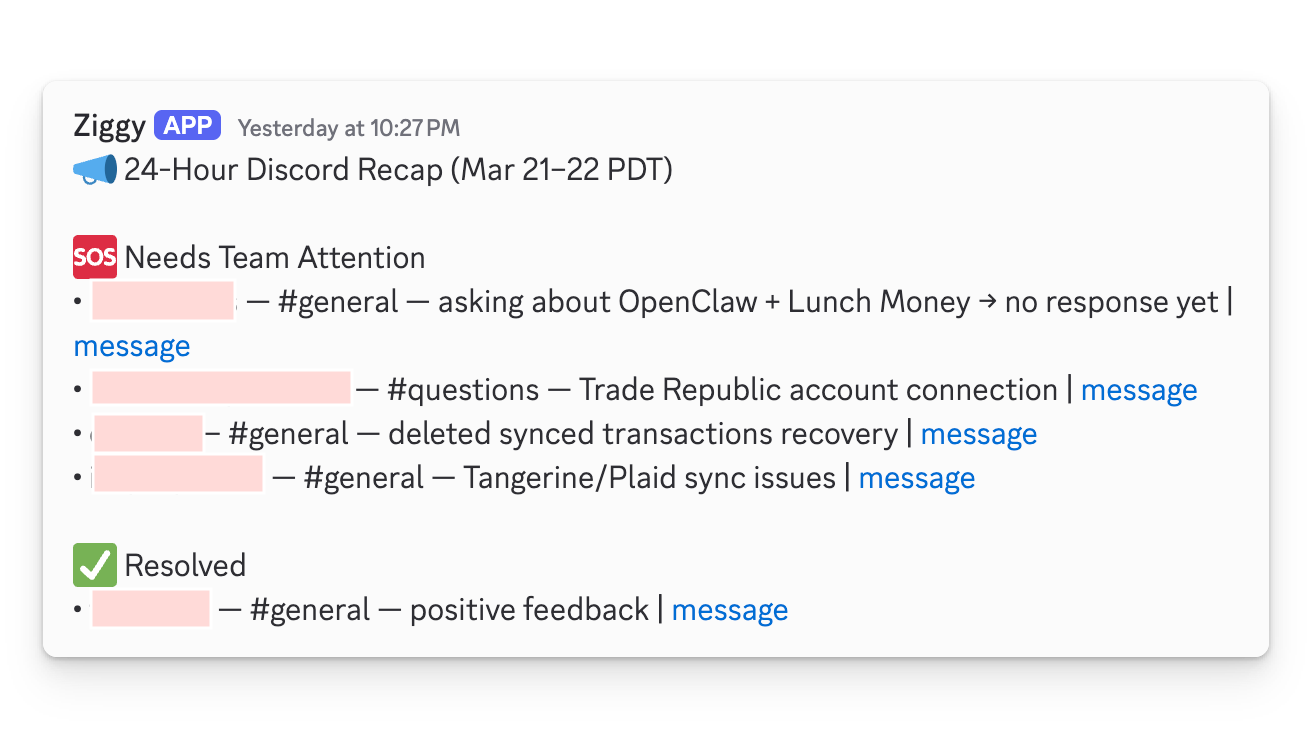
Starting over is the best way. There’s an indie game called Celeste where you die thousands of times but instantly respawn– each death revealing a little more about how the game works. That’s pretty much what my experience with OpenClaw has been like. One part of the config would break when I was trying to update another, or a seemingly innocent restructuring of folders would cascade into a whole mess and I’m running openclaw onboard --install-daemon again.
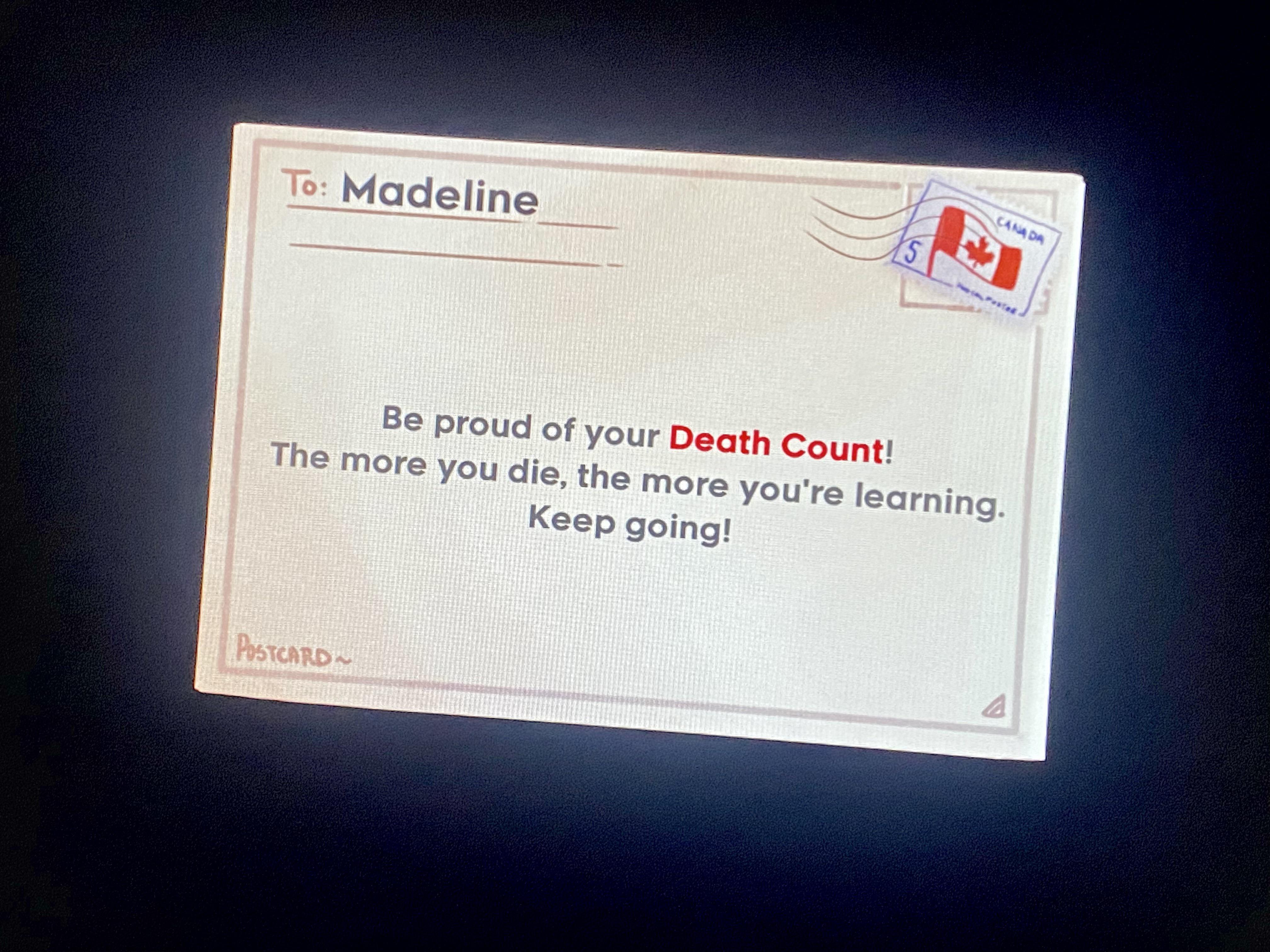 Screenshot of Celeste (credit). Waiting for OpenClaw to implement a notification like this.
Auth and integration layers are messy. Between OpenClaw’s native integrations, MCP servers used by Claude Code and tooling that calls APIs directly, there are too many layers handling authentication. I don’t have a clean mental model of where each token lives and which agent has access to what through which means.
AI is its own best debugger. OpenClaw’s JSON config file, .openclaw.json seemed to be the typical root of most issues. A misspelled key or malformed entry wouldn’t always fail gracefully. The best debugging tool was, of course, AI itself. Opus 4.6 running inside OpenClaw and ChatGPT on the web were both good at diagnosing OpenClaw issues. Claude on the web had no idea what OpenClaw was.
The takeaway: portability
The tools will keep changing, and new wrappers and alternatives will continue to show up. Between starting this blog post draft and publishing it, Claude Code announced the computer use tool and a new build of OpenClaw was released. What stays constant: the skills I’ve written, the context files I’ve built, and the workflows I’ve refined through dozens of iterations.
I really appreciate the data portability aspect of it all. None of my markdown files are locked into Claude Code or OpenClaw or any specific tool. If something better shows up tomorrow, I can point it at the same files and it should work. My folder structure has changed at least a dozen times since starting out, but simple, modular files and a clean structure make each reorganization quick. It’s actually become one of the more fun parts — iterating on how everything fits together.
What’s next and final thoughts
I’ll continue to audit my agentic setup and move some agents back to their SOUL.md-less selves in Claude Code. OpenClaw will run scheduled jobs and enable team access to certain skills. I’m also looking forward to integrating coding workflows next!
I highly value human-in-the-loop – it’s the difference between using AI to accelerate progress versus just automatically generating slop. I’m not yet at a point where I’d trust an autonomous agent to own entire verticals or projects the way I’m reading others are.
If you’re exploring this space too, I’d love to hear what’s working for you. What tools, what friction, what you’ve given up on, or any blind spots you think I might have. Let’s discuss!